
AI Call Answering: What Actually Works for Tradies

The Math That Actually Matters Here
If you're a tradie running $850 average jobs, do this calculation before you read another word: one missed call a day, five days a week, is roughly $17,000 a month in potential revenue walking to a competitor who happened to pick up. Most tradies lose 2-3 calls a day to being on a roof, under a sink, or driving between jobs with grease on their hands. That's not a marketing statistic. That's just how the trade works.
AI call answering exists to solve that specific problem, not to be a novelty chatbot. But the search results for this topic are a mess. Half the pages ranking right now aren't even about the thing you're searching for. One is a broken government contact form, another is an ethics whitepaper with no product mentioned anywhere. The other half are 300-word listicles that name-drop features like "cascade ring" and "AI tags" without explaining what they do or why you'd care. So let's actually fix that.
What AI Call Answering Actually Is
Artificial intelligence call answering is software that picks up your business phone line, has a real conversation with the caller using a voice model, and either books the job, takes a message with details, or transfers the call, all without a human on your end touching the phone.
This is different from a traditional answering service, where a human receptionist in a call center picks up and reads from a script you wrote. Answering services have been around for decades and still work fine for some businesses. The issue is cost and consistency. A live call answering service typically runs $300-$800/month for a small volume of calls (under 200/month), and quality varies wildly depending on which agent picks up your call at 6:47pm on a Tuesday.
AI-based answering services replace that human with a voice AI that never gets tired, never has a bad day, and costs a fraction of the price once volume goes up. The trade-off is that it's only as good as how it's set up.
How It Actually Works Under the Hood
Here's the part most articles skip entirely. An AI call answering system is three components stitched together:
- Speech-to-text (STT): converts what the caller says into text in real time. Latency here matters: anything over 300-400ms and the conversation starts to feel like a bad phone line to Mars.
- A language model: decides what to say back, checks your calendar or job board, and pulls information like your pricing rules or service area.
- Text-to-speech (TTS): turns the response back into a voice that doesn't sound like a 2008 GPS unit.
The tools that actually work well have optimized the handoff between these three so total response time sits under a second. The ones that don't work well (and you'll notice this immediately on a test call) have a noticeable pause before every response, which makes callers hang up or start talking over the AI.
What Actually Works (Tested, With Real Numbers)
Smith.ai: Started as a human-plus-AI hybrid, now offers a pure AI receptionist plan starting around $97/month for 30 calls, scaling to roughly $3.15-$3.50 per call after that. Good for tradies who want call answering with real appointment booking through Google Calendar or Housecall Pro integration. The setup takes about 2-3 hours to get the intake script right for a trade business specifically, since plumbing, electrical, and HVAC all need different qualifying questions.
Goodcall: Built specifically for small service businesses. Pricing starts at $59/month for a limited call volume and jumps to $199/month for their "Growth" tier with CRM integration. The strength here is the no-code setup: you can have a working phone tree and FAQ handling live in under 30 minutes. The weakness: complex multi-step bookings (like scheduling around a technician's existing job locations) require their higher tier and API access.
Dialzara: Priced around $29-$99/month depending on minutes used, this is the budget option that's genuinely usable for a solo tradie testing the waters. It handles the basics (answering, taking a message, texting the caller a confirmation) but doesn't do live calendar booking on the cheapest tier.
Synthflow: More of a builder platform than an out-of-box product, starting near $29/month for the base plan but requiring you (or someone you pay) to actually build the call flow logic. This is the right choice if you want something highly customized, like an AI that quotes ballpark pricing based on job type, but wrong if you want something running today.
None of these are "the best." They solve different problems. A one-man plumbing operation with 15 calls a week needs Dialzara or Goodcall's entry tier. A five-truck electrical company doing 200+ calls a month with complex scheduling needs Smith.ai or a custom Synthflow build.
Where This Actually Fails
The failure mode nobody talks about: AI call answering breaks down on accents, background noise, and interruptions. If your callers are older homeowners speaking softly, or your tradie business operates in an area with a strong regional accent, test the STT accuracy before committing. Call your own number ten times, from different environments, before you trust it live.
The second failure mode is scope creep in the script. Business owners try to make the AI quote exact prices, explain warranty terms, and handle complaints, all in one call flow. That's how you get a caller stuck in a loop repeating themselves. Keep the AI's job narrow: qualify the lead, get contact details and job description, book a time or promise a callback within a set window (30 minutes works well and is achievable).

The Actual Decision Framework
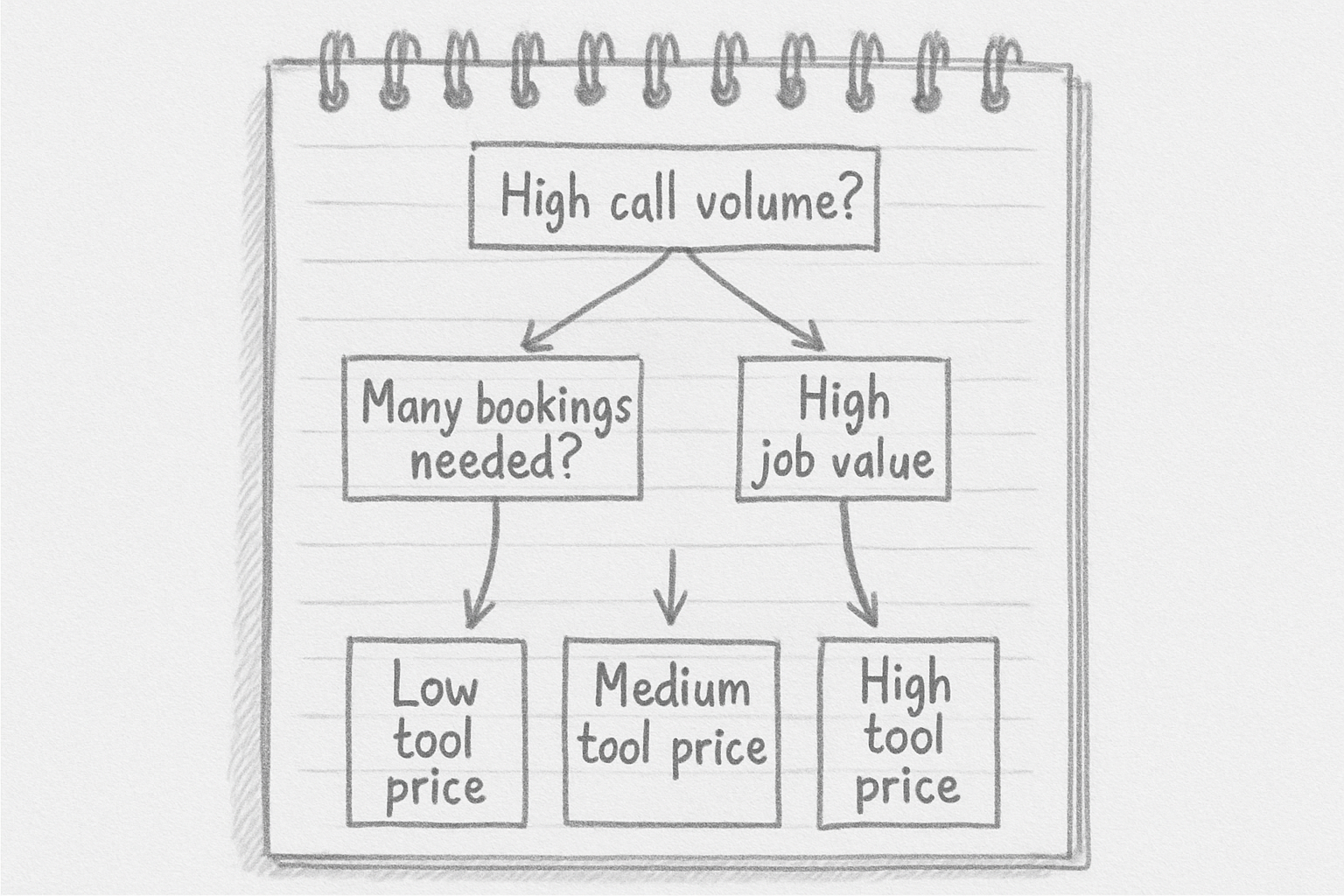
Skip the "best of" lists. Answer these three questions instead:
- How many calls do you miss per week right now? Under 10? Start with a $29-59/month tool. Over 40? You need a tier with real CRM/calendar integration, budget $150-300/month.
- Do you need live booking or just lead capture? If a human still calls back to schedule, you don't need the expensive tier yet.
- What's your average job value? At $850/job, even a $200/month tool pays for itself if it saves you one job every 5-6 weeks. Run that math with your own numbers before dismissing the cost.
Setting It Up So It Doesn't Embarrass You
Before going live, do a "mystery caller" test: have someone unfamiliar with the business call and try to book a job, ask about pricing, and try to derail the AI with an off-topic question. If it survives that, forward your real business line to it during off-hours only for the first two weeks. Full-time cutover comes after you've reviewed at least 20 real call transcripts and fixed the obvious gaps. Every tool listed above gives you transcripts or recordings for exactly this reason.